USB Christmas Projection Lamp with 6 Festive Scenes
🎄 Instant Holiday Atmosphere
Turn Any Room Into a Christmas Wonderland
A flexible USB projection lamp that casts colorful Christmas scenes across walls and ceilings. Plug it in, choose a slide, aim, and enjoy—no app or Wi-Fi needed.

🔌 Simple Setup
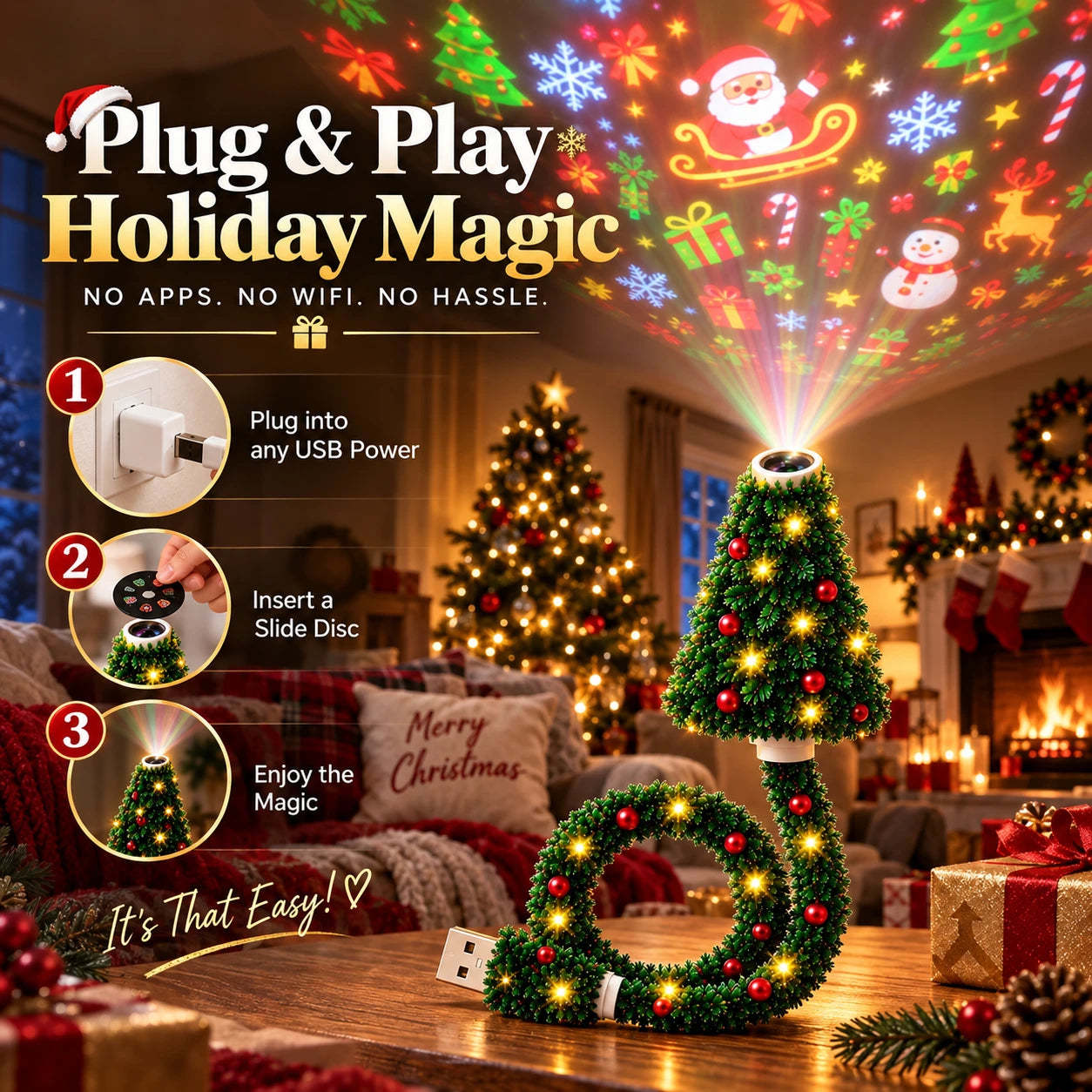
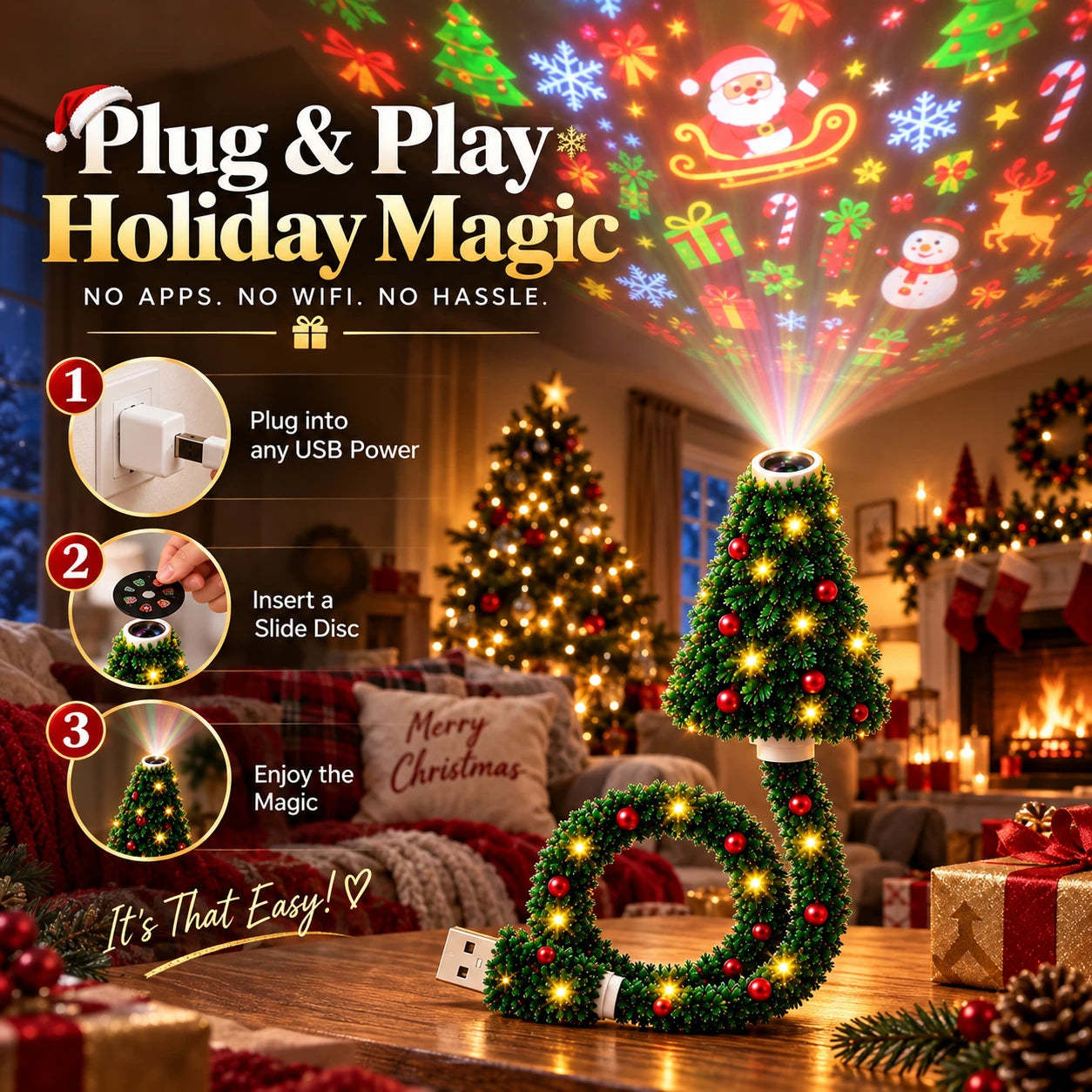
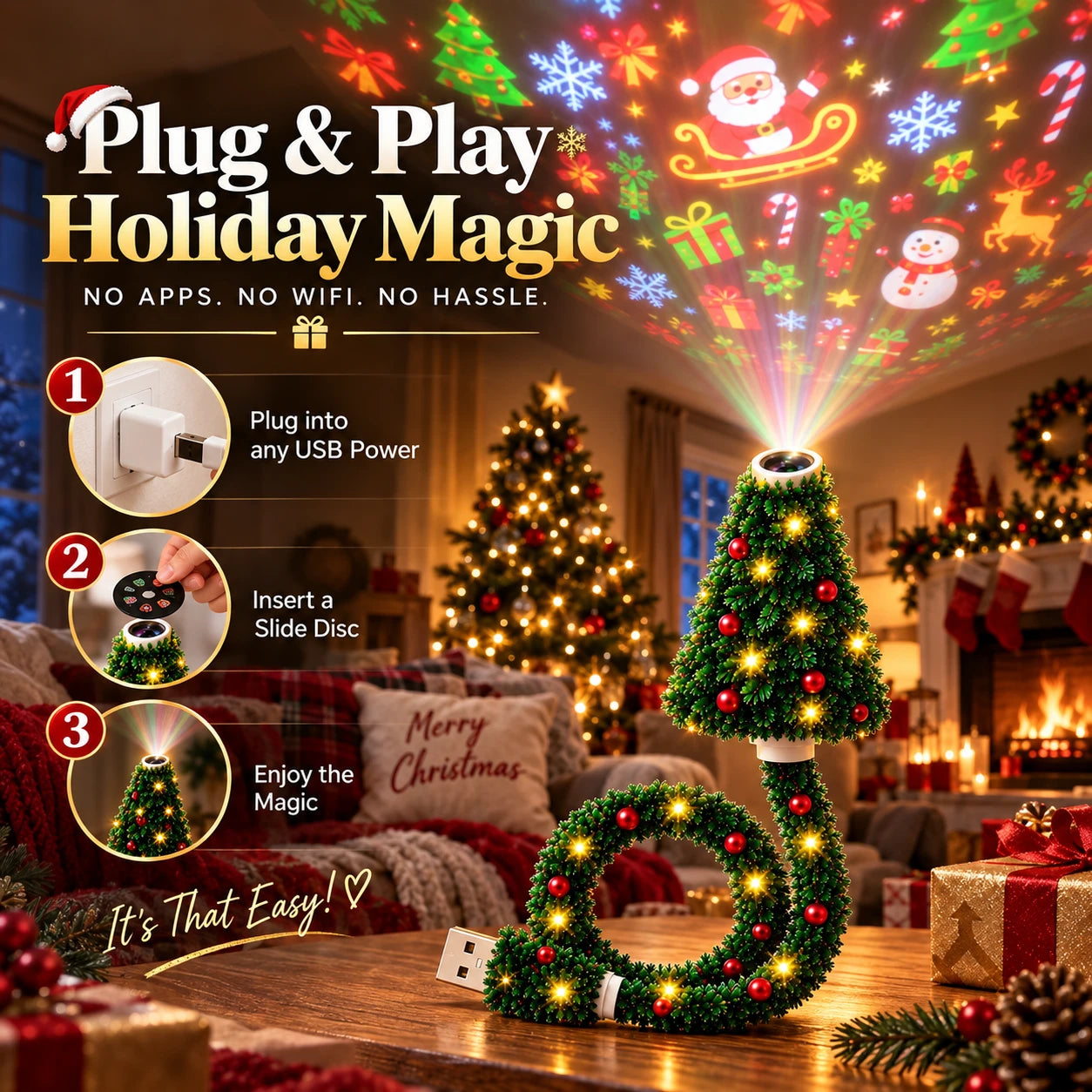
Plug In. Pick a Slide. Enjoy.
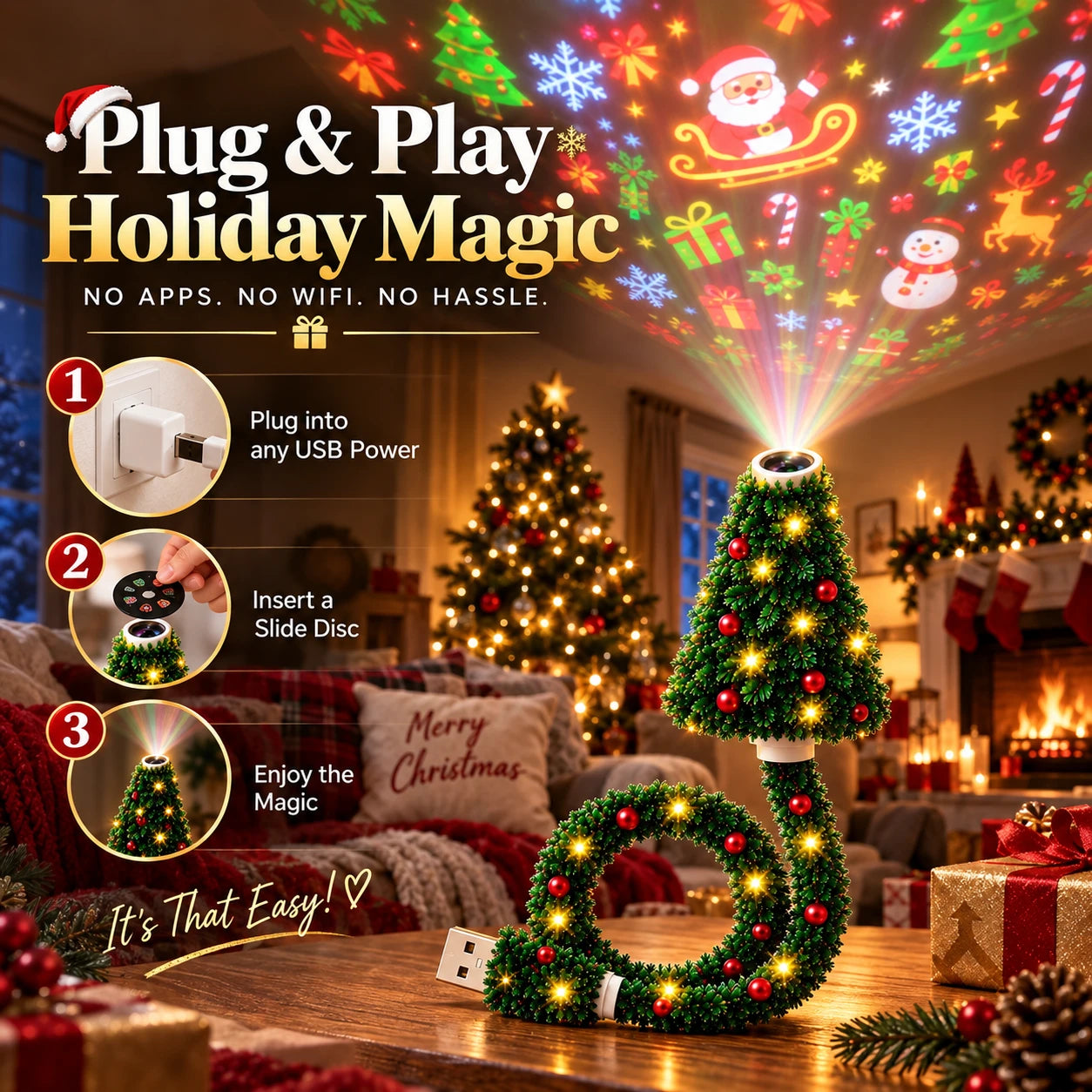
No apps. No Wi-Fi. No setup maze. Connect it to a compatible USB power source, insert a slide disc, and point it toward a wall or ceiling.
🎞️ More Ways to Celebrate
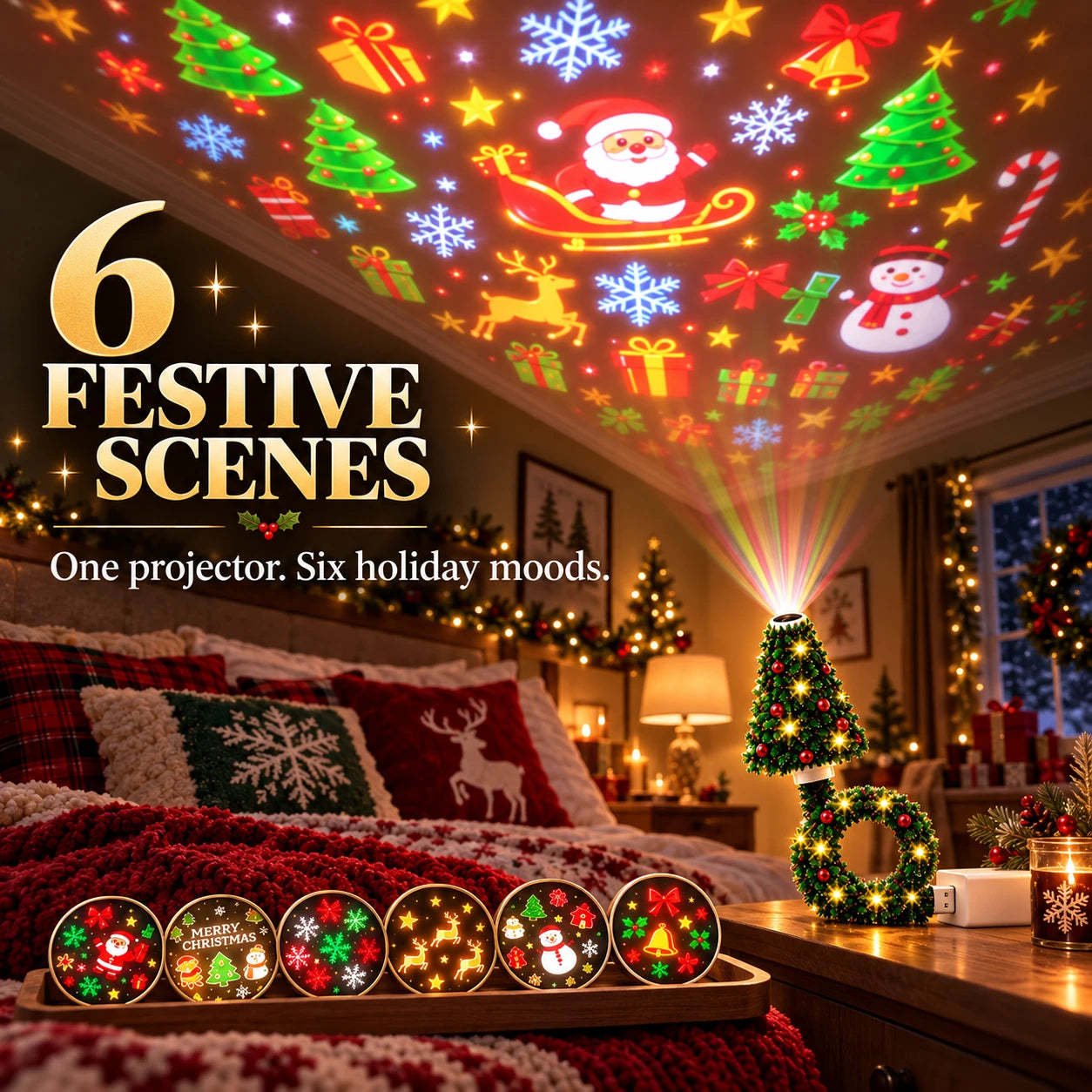
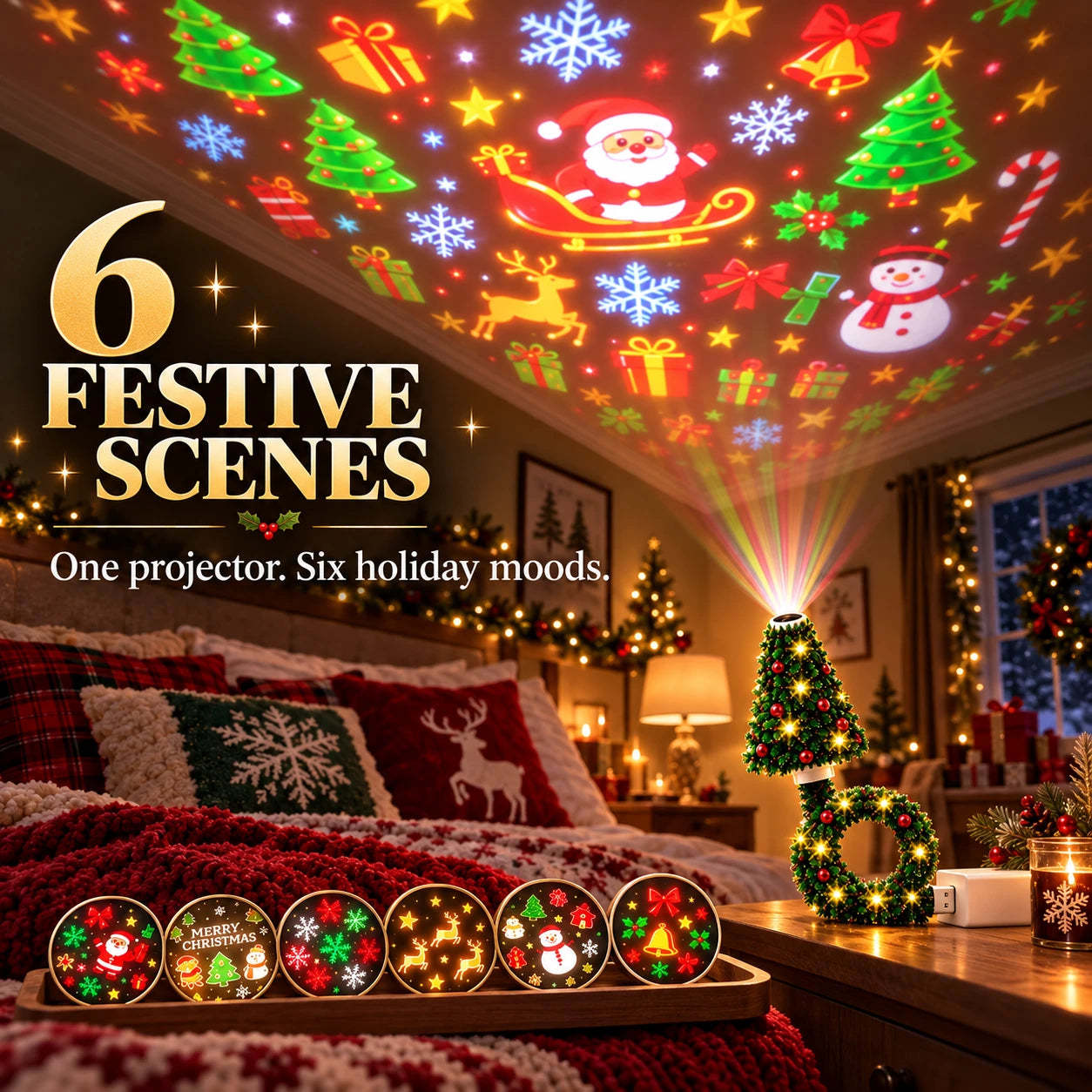
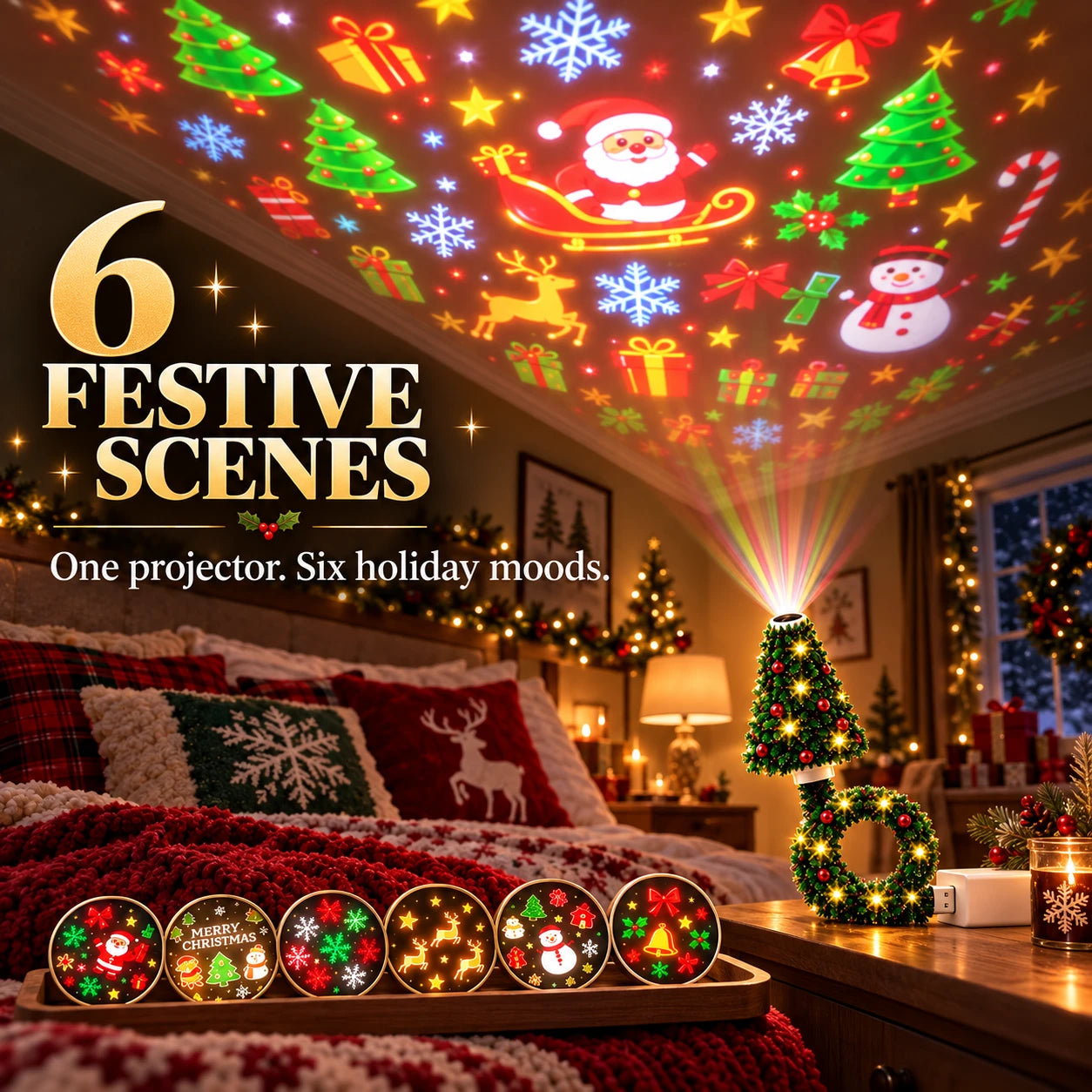
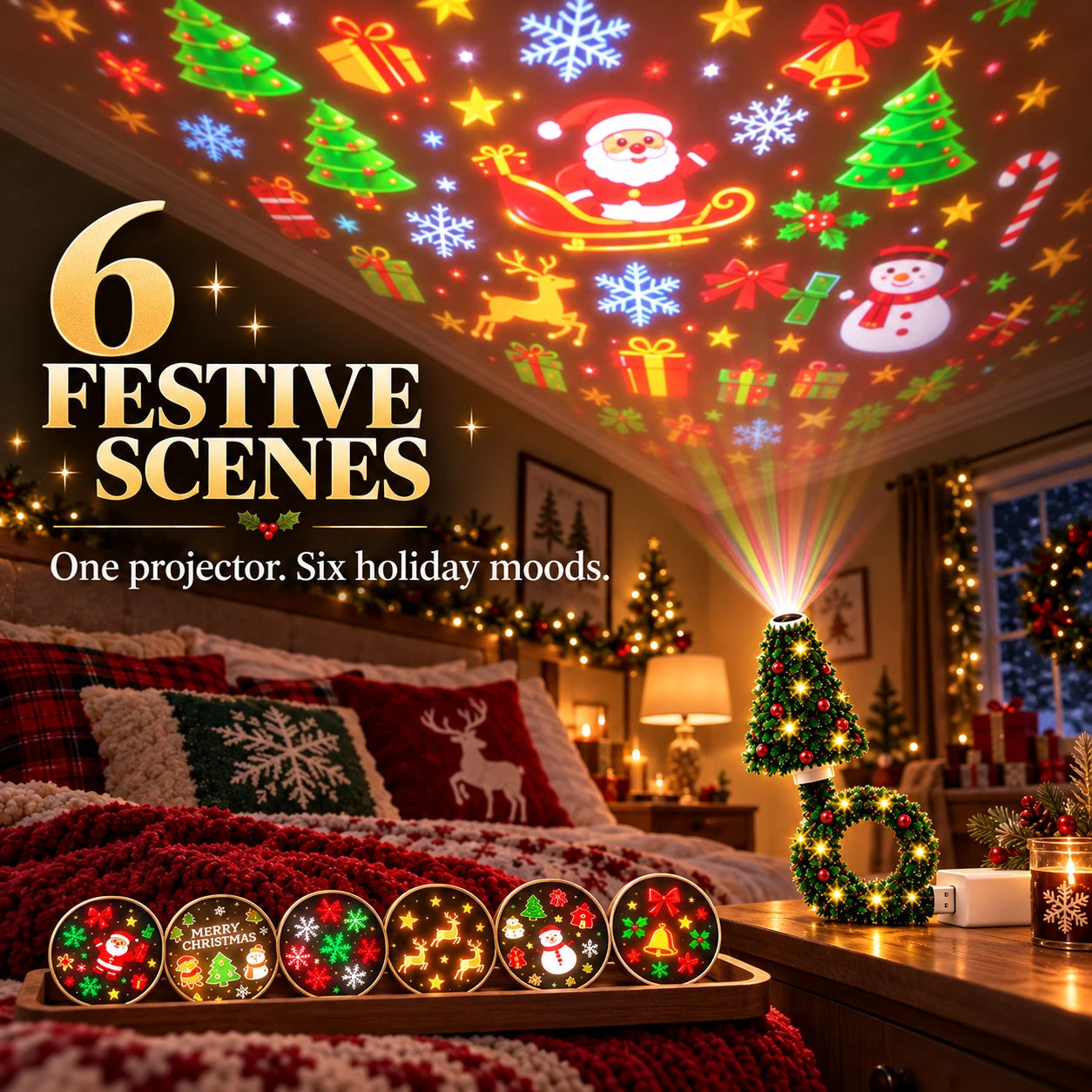
Six Festive Projection Scenes
One look can feel repetitive. Switch among six Christmas-themed scenes for bedrooms, living rooms, parties, and seasonal displays.
✨ Colorful Holiday Display
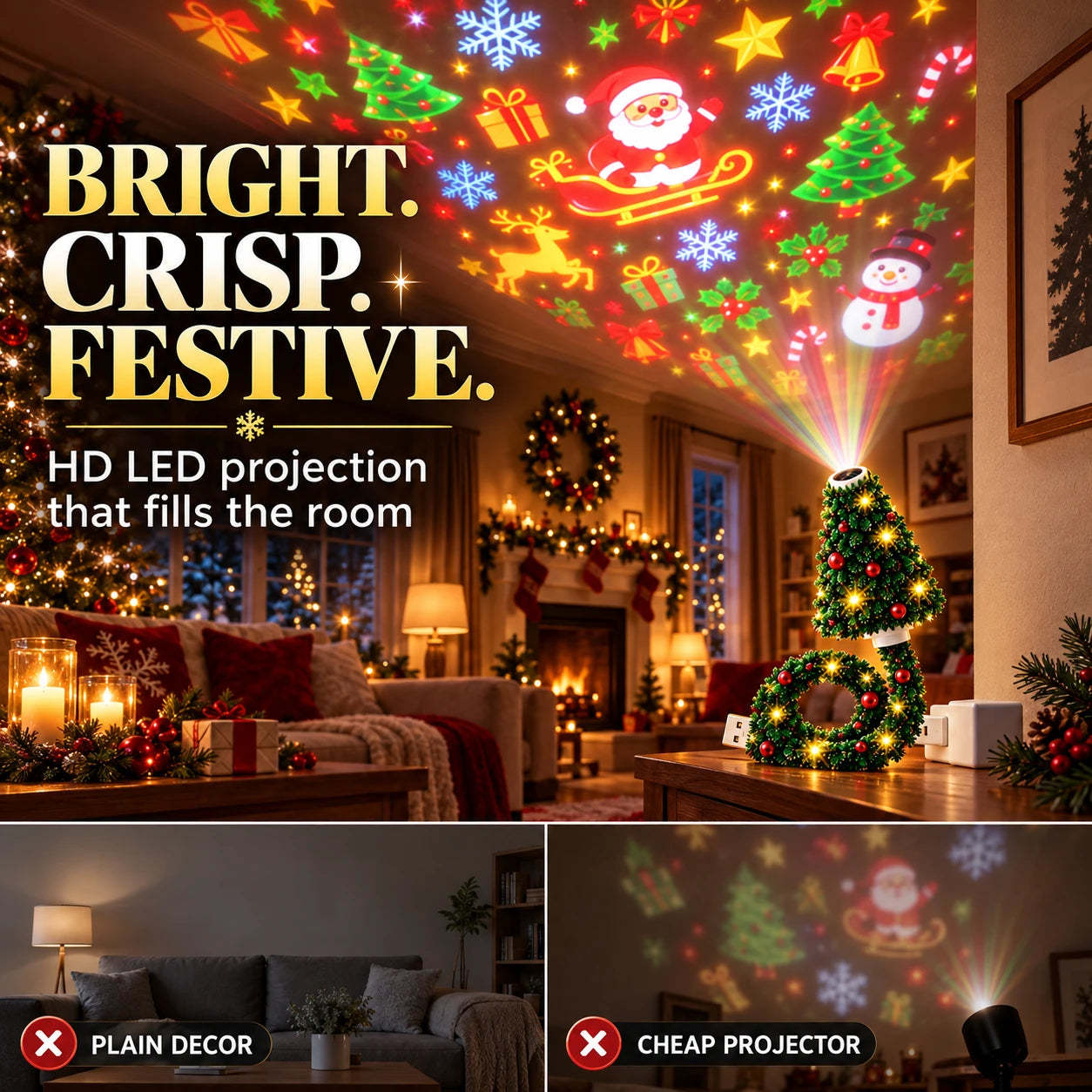
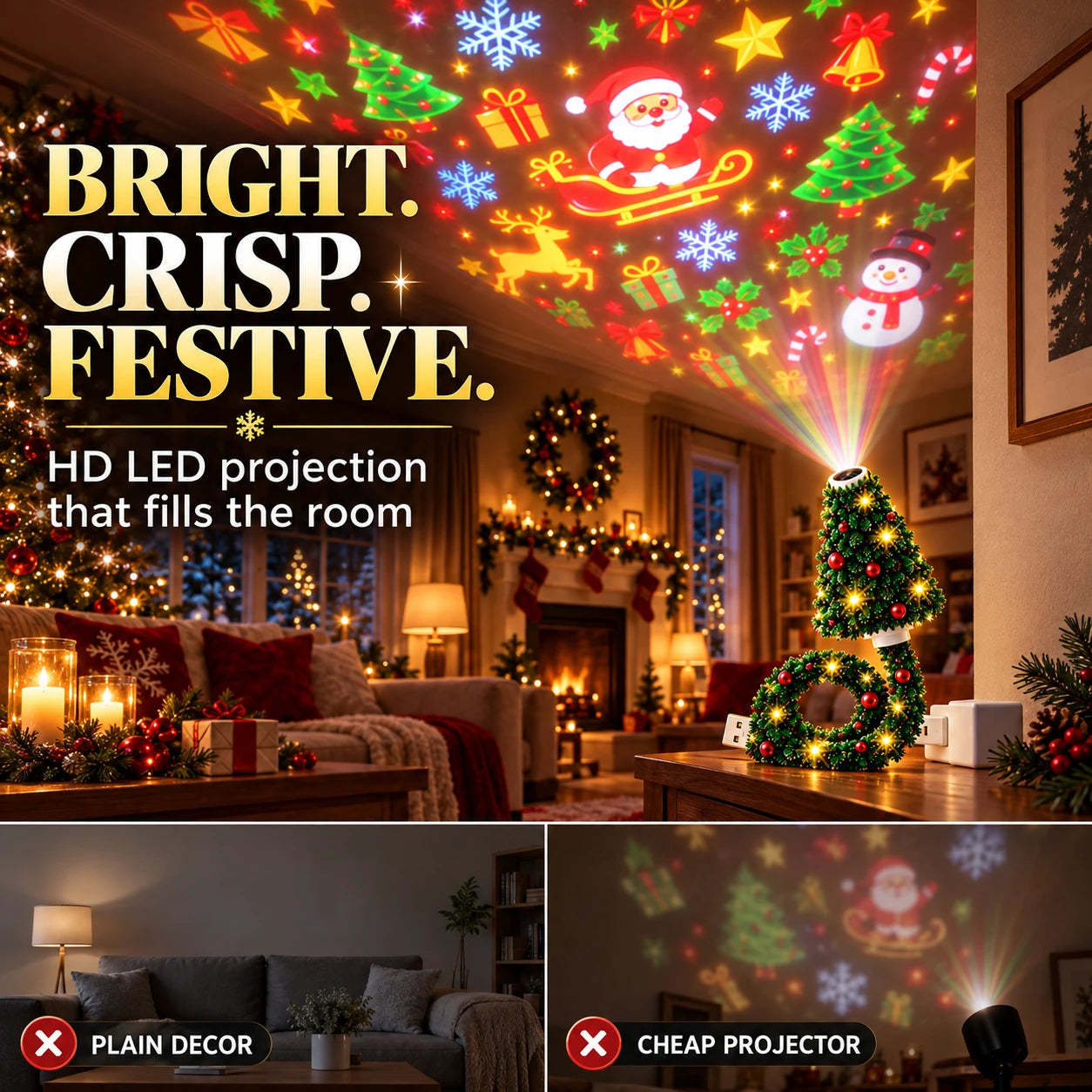
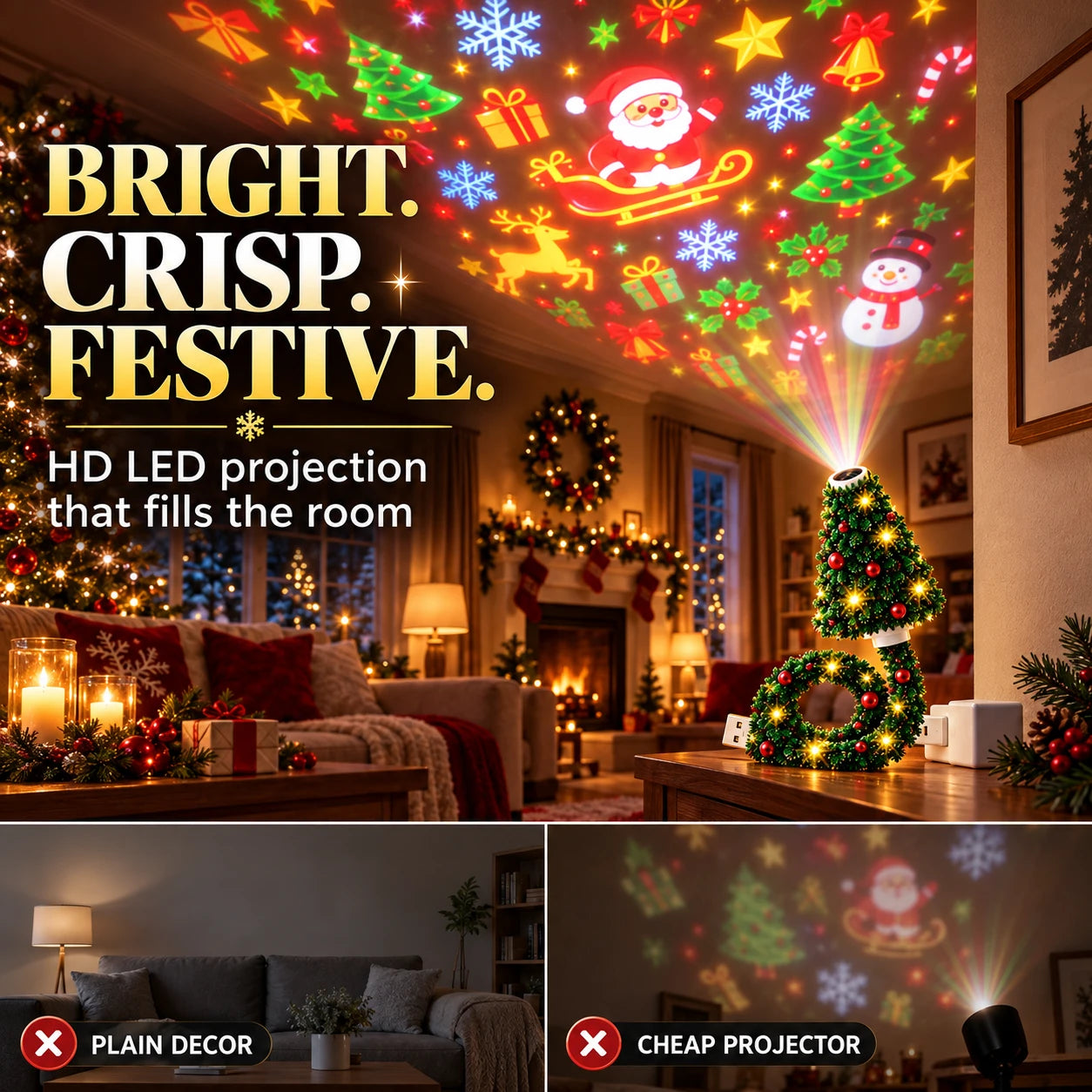
Bright, Eye-Catching Projection
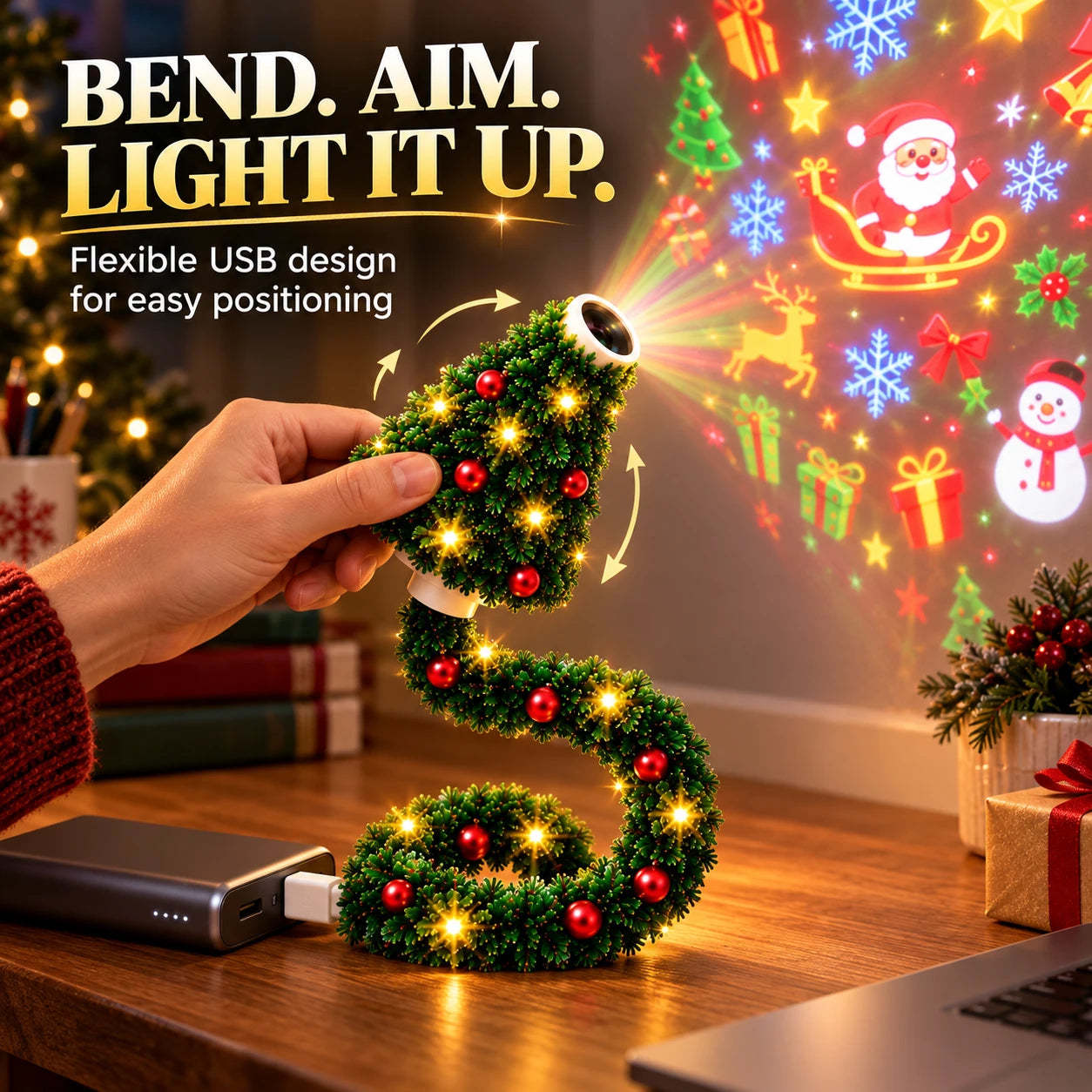
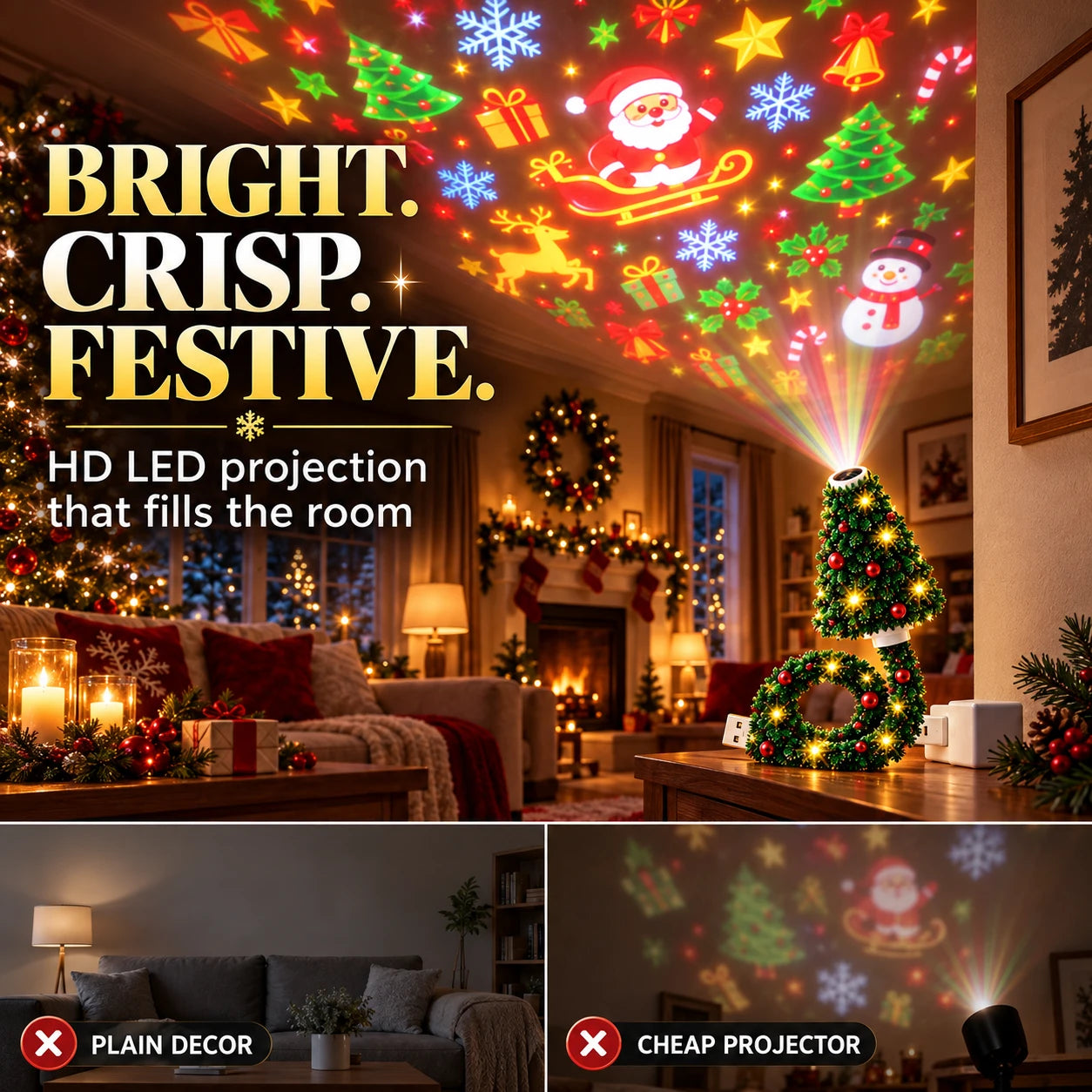
Flat décor can disappear after dark. The LED light and projection lens create colorful Christmas images on walls, ceilings, windows, and other flat surfaces.
↪️ Aim It Your Way
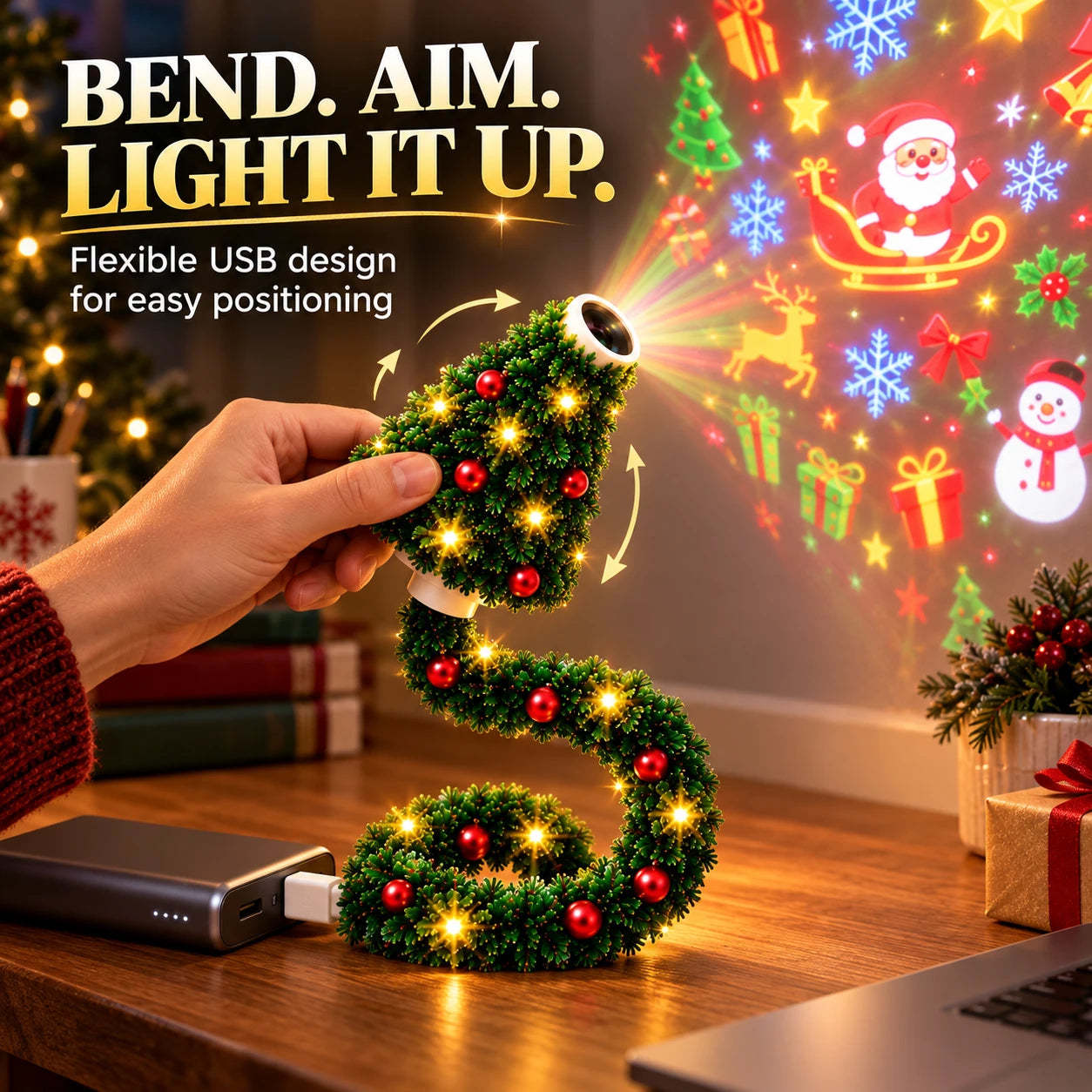
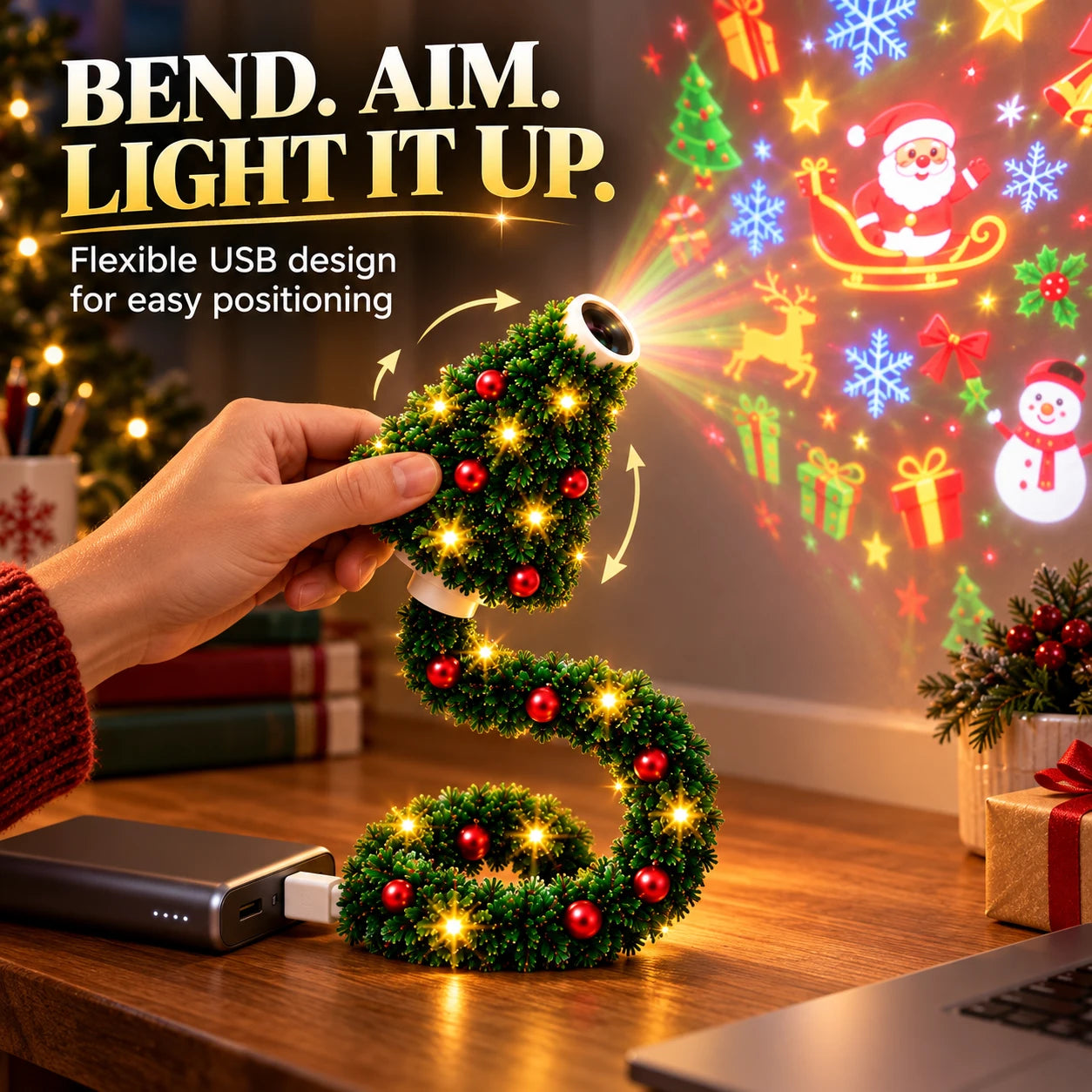
Flexible USB Gooseneck
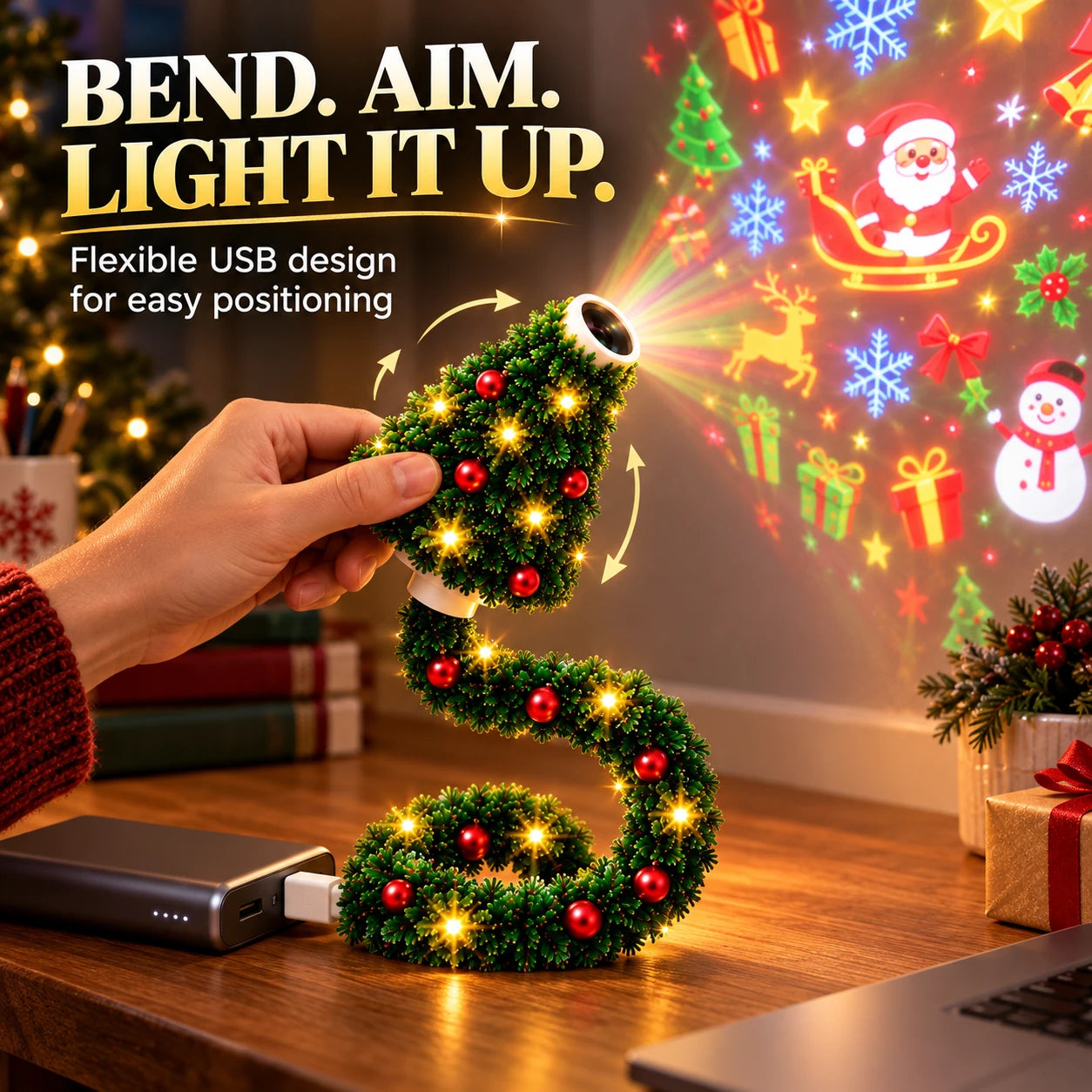
Awkward angles make decorating harder. Bend the flexible neck to adjust the projection direction while keeping the compact setup easy to position.
🎁 Share the Cheer
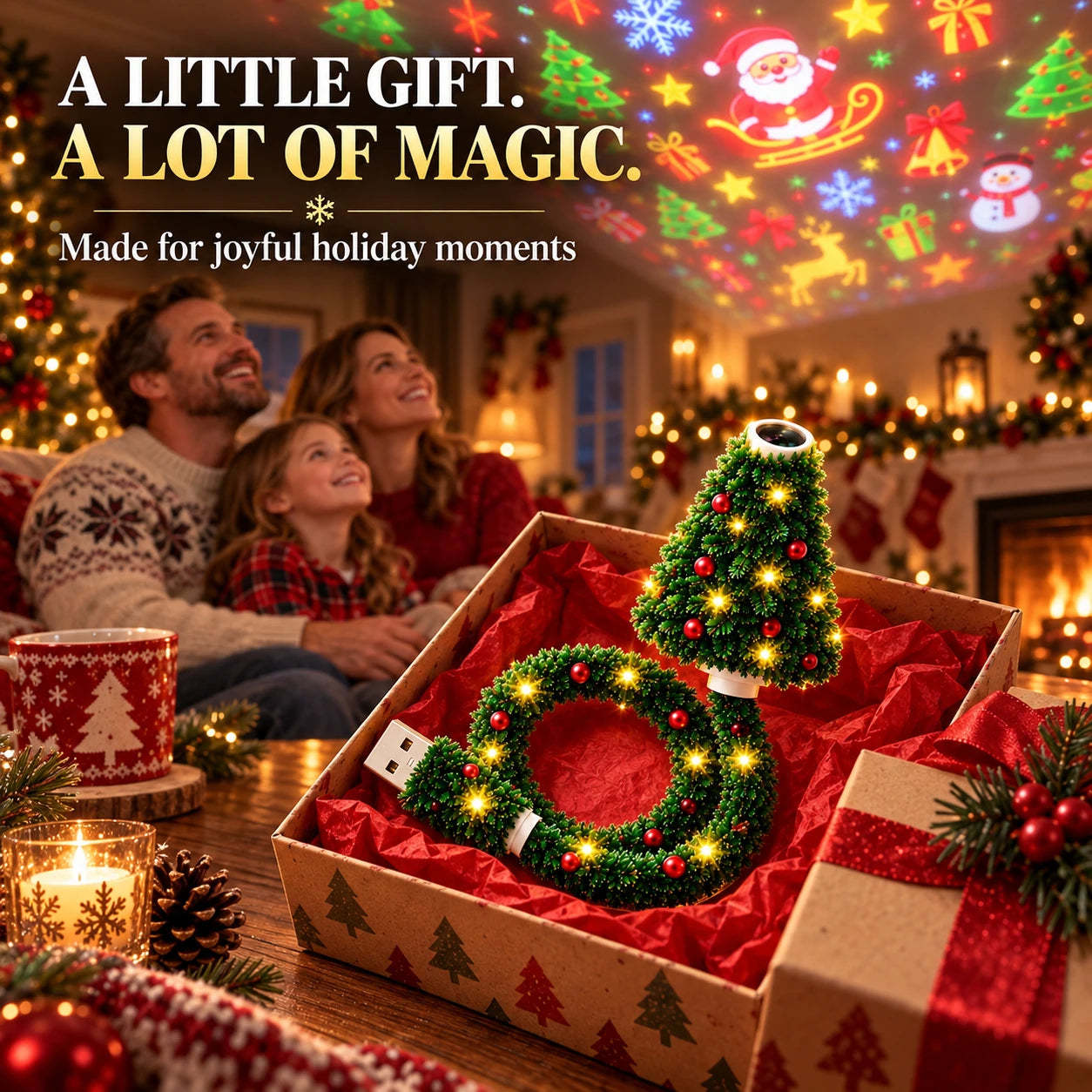
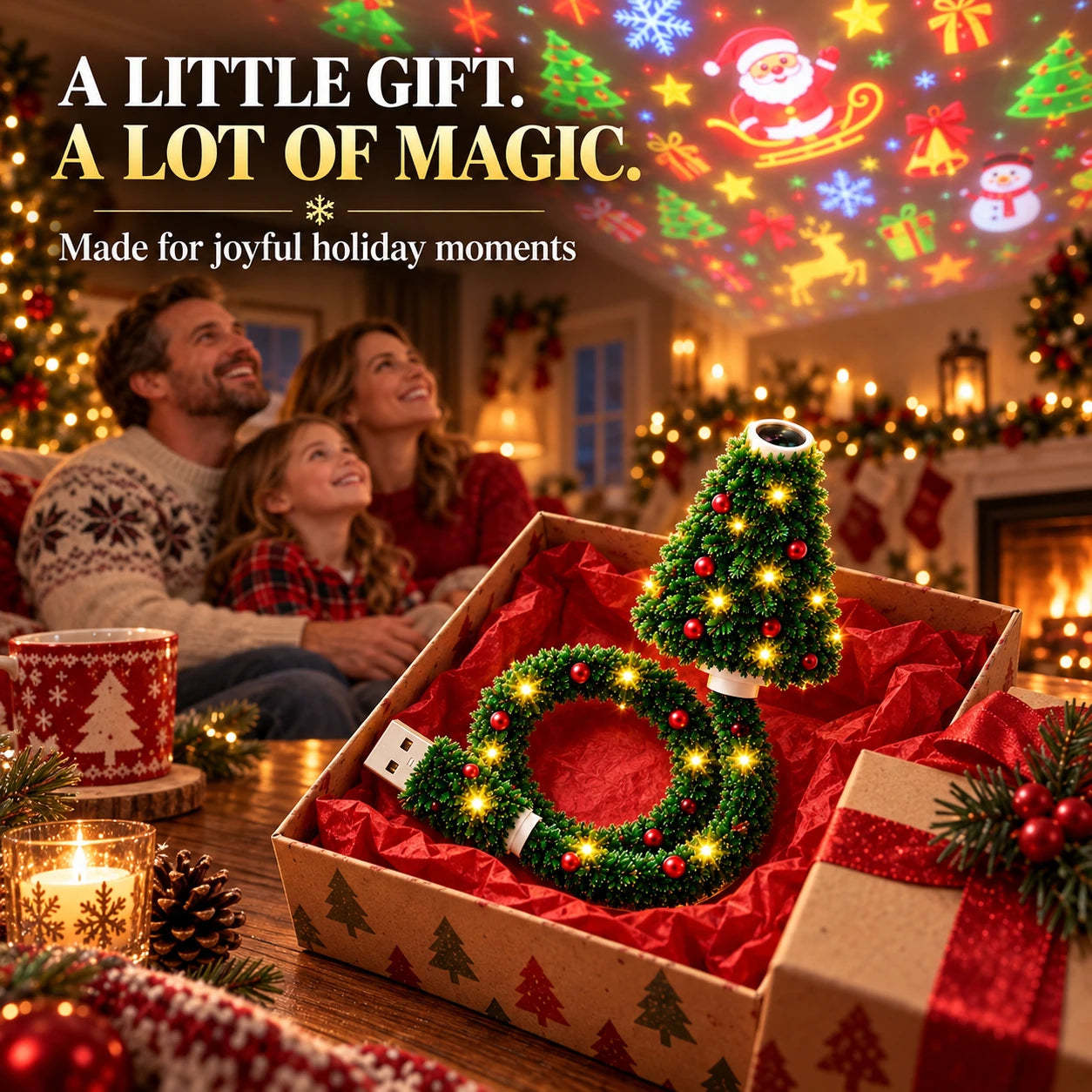
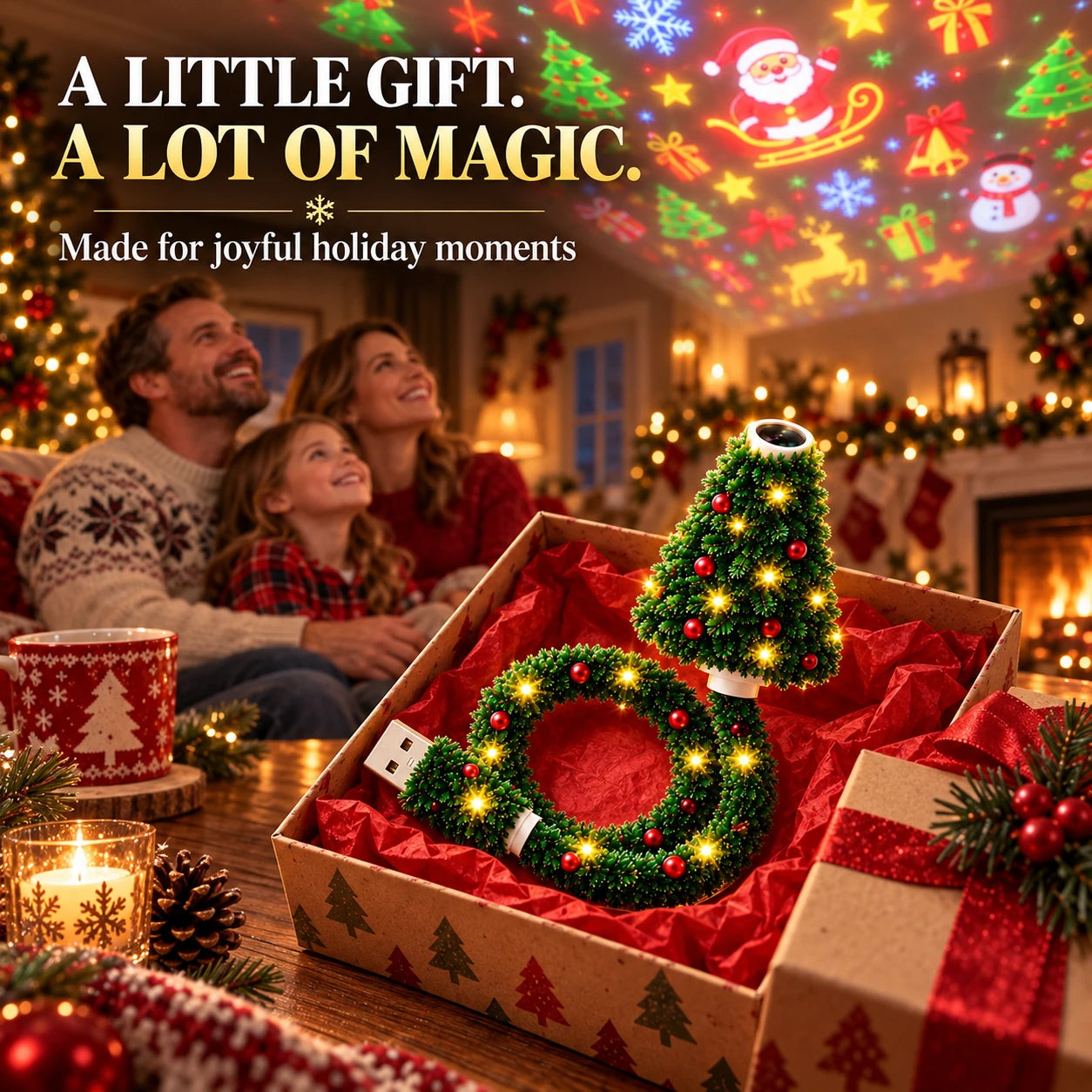
A Fun Holiday Gift
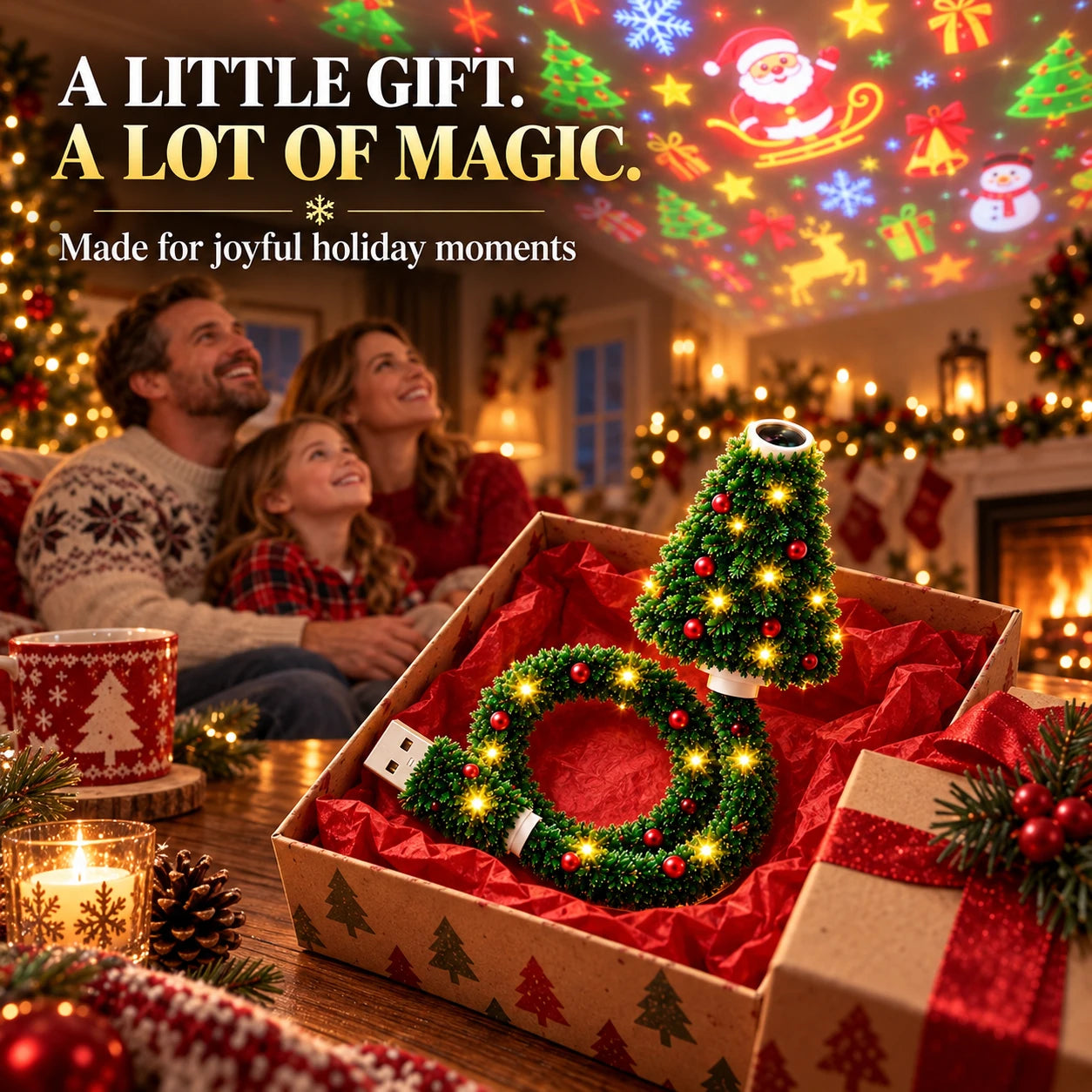
Give more than another ordinary decoration. Add instant Christmas atmosphere to rooms, parties, photo backdrops, and seasonal displays.
Product Details
Features & Specifications
| Product Type | Festive projection lamp |
|---|---|
| Power Source | USB powered |
| Projection Options | 6 Christmas-themed scenes |
| Adjustment | Flexible gooseneck design |
| Compatible Power Sources | USB adapters, power banks, laptops, and other compatible USB ports |
| Suggested Surfaces | Walls, ceilings, windows, and other flat surfaces |
Quick Answers
FAQ
Does it require an app or Wi-Fi?
No. Connect it to a compatible USB power source, insert a slide disc, and aim the projector.
How many projection scenes are included?
It offers six Christmas-themed projection scenes.
Can I adjust the projection direction?
Yes. The flexible gooseneck lets you change the projection angle.
Where can the images be projected?
Aim it at walls, ceilings, windows, or other flat surfaces.
What can power the projector?
Use a compatible USB adapter, power bank, laptop, or other compatible USB port.
Shop With Confidence
Packed With Care
Bring the Christmas Magic Home
Create a colorful holiday atmosphere with one compact, flexible USB projector.
Shop Now